 Skip to content
IT certification in Tampa Bay.Start where you are.
Live, instructor-led classes with 12 students max, an exam voucher and one retake on certification programs, and a coach from enrollment to employment. Workforce grants, VR and VA benefits may cover it, for those who qualify.
- 5.0 on Google
- 700+ graduates since 20141
- 12 students max
Where are you starting?
Pick one. We’ll line up the programs that fit.
Training partners
Eligible training provider Workforce grants, for those who qualify



Licensed by the Florida Commission for Independent Education, License No. 5237.
Find your program.
Most classes are taught live, and every program comes with a coach from enrollment to employment. Pick where you’re starting, or browse by type.
Career Pathways 4 programs Certifications 11 programs Diplomas 5 programs New to IT 4 programs Cybersecurity 4 programs Office work 5 programs Leading projects 4 programs Already in IT 5 programs All 19 programs
A full career track: several certifications in one plan, built around a job. 56 to 212 clock hours. Focused exam prep, taught live, with an exam voucher and one retake included. 16 to 92 clock hours. Office and business software skills for admin, bookkeeping and office roles. 32 to 206 clock hours. Start with CompTIA A+, or take all three CompTIA certifications together in the IT Network & Security pathway. Start with CompTIA Security+. The Cyber Defense & Incident Response pathway adds CompTIA CySA+ and CompTIA PenTest+ in one plan. Office Administration covers the whole job in one pathway. Or build one skill at a time: Business Applications, Microsoft Excel, Microsoft Cloud Apps or Introduction to Bookkeeping. One 40-hour course preps you for the CAPM® exam (no project experience needed) or the PMP® exam. Add 16 hours of Scrum and it’s the Project Management + Scrum pathway. Add CompTIA Cloud+, Microsoft Azure or ITIL® 4 Foundation, or go deeper in security with CompTIA CySA+ and CompTIA PenTest+. Career Pathways, Certifications and Diplomas, each with a coach from enrollment to employment.
-

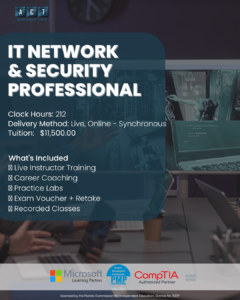
IT Network & Security
CompTIA A+, CompTIA Network+ and CompTIA Security+ exam prep
Exam voucher and one retake
-
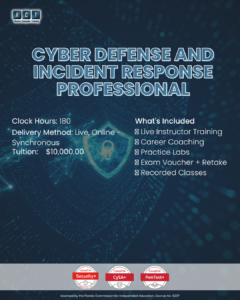
Cyber Defense & Incident Response
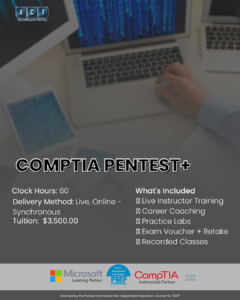
CompTIA Security+, CompTIA CySA+ and CompTIA PenTest+ exam prep
Exam voucher and one retake
-
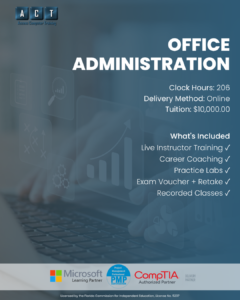
Office Administration
Microsoft 365, Copilot and QuickBooks® bookkeeping basics
-
Project Management + Scrum
One course for the CAPM® or PMP® exam (40 hours), plus Scrum certification prep (16 hours)
Exam voucher and one retake
-
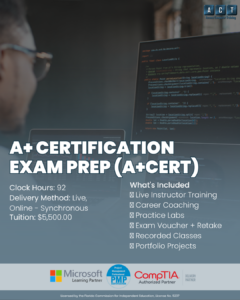
CompTIA A+®
Core 1 and Core 2: hardware, software, networking and troubleshooting
Exam voucher and one retake
-
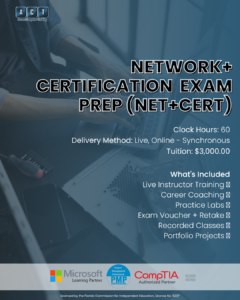
CompTIA Network+®
Configure, manage and secure wired and wireless networks
Exam voucher and one retake
-
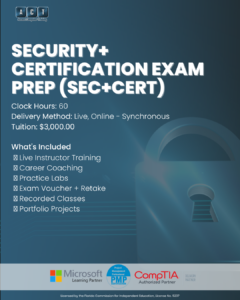
CompTIA Security+®
Threats, risk, secure architecture and incident basics
Exam voucher and one retake
-
-
-
-
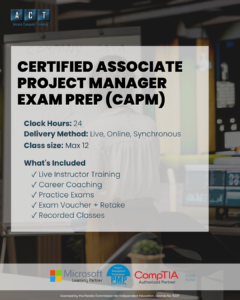
CAPM® exam prep
Project Management Certification Prep, the same 40-hour course as PMP® prep. No project experience required.
Exam voucher and one retake
-
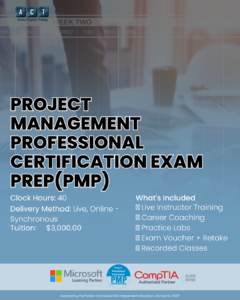
PMP® exam prep
Project Management Certification Prep for experienced project leads
Exam voucher and one retake
-
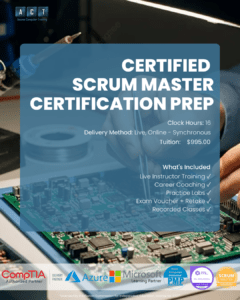
Scrum Certification Prep
Helps you prepare for the Scrum.org™ Professional Scrum Master® I (PSM I) assessment
Exam voucher and one retake
-
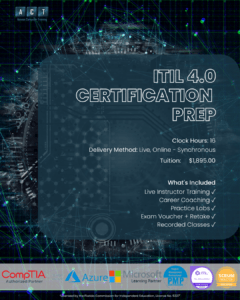
ITIL® 4 Foundation
IT service management for support and operations roles
Exam voucher and one retake
-
Microsoft Azure AZ-900 and AZ-104
Cloud fundamentals and Azure administration
Exam voucher and one retake
-
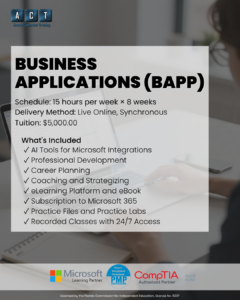
Business Applications
Word, Excel, PowerPoint and Outlook for office work
-
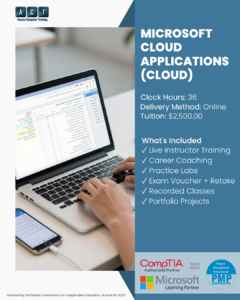
Microsoft Cloud Apps
Microsoft 365 cloud apps, Teams and collaboration
Self-paced, with one-on-one mentoring
-
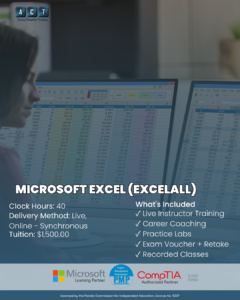
Microsoft Excel
Formulas, tables, charts and data skills from basics up
-
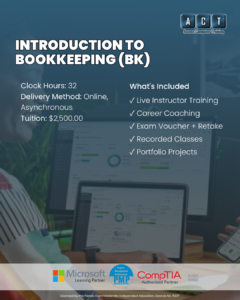
Introduction to Bookkeeping
Bookkeeping basics with QuickBooks®
Self-paced, with one-on-one mentoring

Swipe for more
Not sure which one fits? Book a Strategy Call and we’ll map it with you.
AI certifications are coming soon. Copilot and ChatGPT training is already part of our Business Applications program.
Your training may already be paid for.
Funding works like buckets, and it’s for those who qualify. You usually need to fall into one, and on your strategy call we help you check whether you do.
- Workforce grant Through your local workforce office. A grant, not a loan, for those who qualify.
- Vocational Rehabilitation Working with a VR counselor? We coordinate your training plan with them, for those who qualify.
- VA education benefits Accepted for those who qualify. Students using VA benefits attend in person at our Lutz campus, except Chapter 31 participants.
- Self-pay and payment plans Payment plans are available, and financing for those who qualify. We confirm your exact price before you enroll.
Workforce grants, Vocational Rehabilitation and VA benefits are not loans, and they’re for those who qualify. The funding agency makes that call; we help you check and handle the paperwork. Compare all funding options
So here’s how this works.
Four steps, from your first call to life after graduation. You do the work, and we walk every step of it with you.
Strategy call
A 15-minute call. We map your background and goals to the program that fits, and find your start date.
Funding and plan
We check your eligibility and match you to a funding source, for those who qualify. Then orientation: your platform, course materials and a baseline assessment.
Live class with a coach
Instructor-led on Microsoft Teams, 12 students max, with hands-on labs and weekly accountability. Every session is recorded.
Exam and career coaching
In certification programs, score 90% or better on the practice exam three times in a row and your exam voucher is issued, with one retake. Your coach rebuilds your resume and LinkedIn, preps you for interviews and stays with you after graduation.
“We don’t get you a job. You get you a job.”
Kristin Pelletier, founder
We stay with you from enrollment to employment, and our instructors have been in the trenches, not just passed a test.
- 12 students max in every live class, on Microsoft Teams with a real instructor. One screen to watch on, one screen to work on.
- Every live session is recorded, so you can watch a class again.
- Woman-owned and locally owned in Lutz, Florida, since 2014. We serve Tampa, Wesley Chapel, Brandon, St. Petersburg and Clearwater, and teach live online across Florida.
5.0 on Google Read our Google reviews (opens in a new tab)
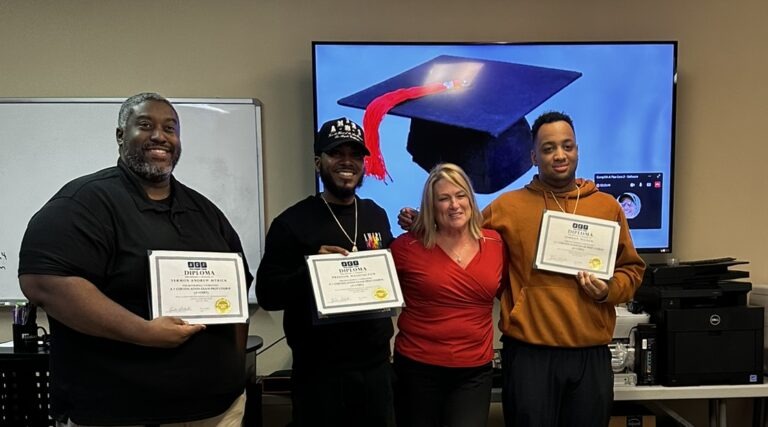
Some of the people in your corner
Meet the whole team
Craig Taylor, Lead IT and cybersecurity instructor
Marie Norfleet, Project management and technical training
Christie Adams, Business Applications and Microsoft 365
Camille Walton, Career coach, during class and after graduation


They were where you are now.
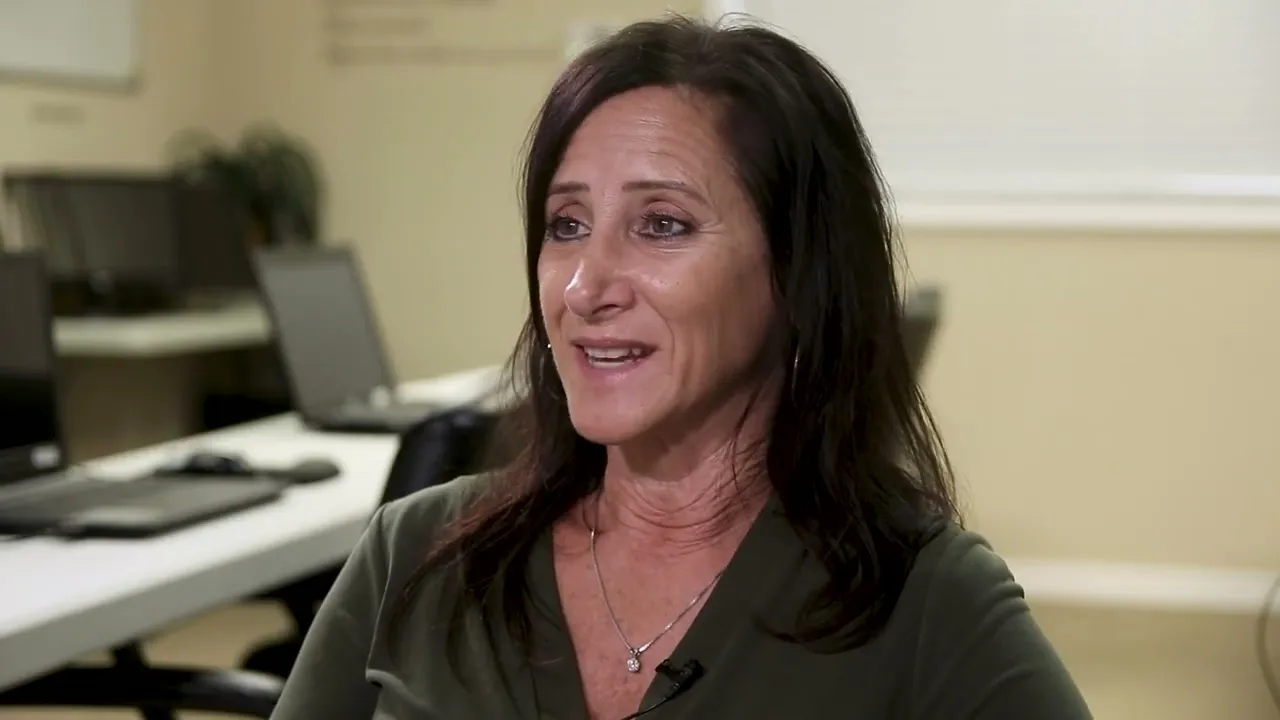 Watch Theresa’s story, Office Administration
It made a huge change in my career.Theresa, Office Administration
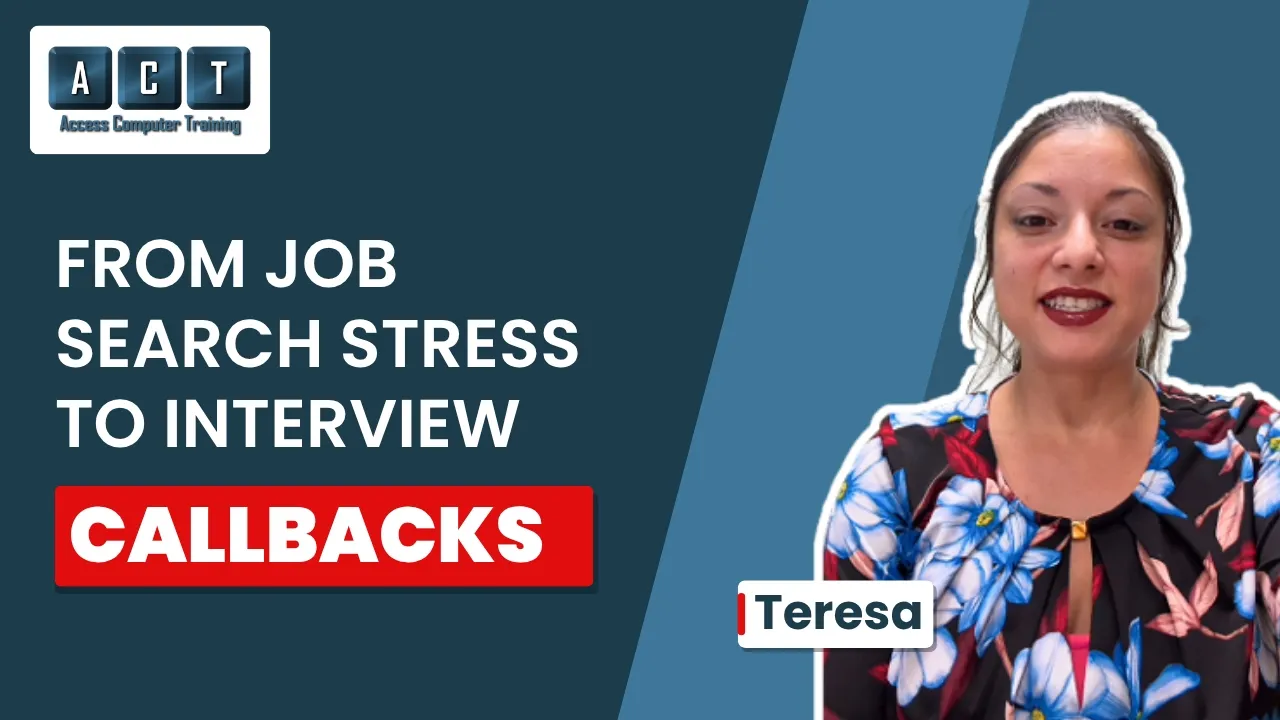 Watch Teresa’s story, IT training
I no longer fear the unknown.Teresa, IT training
“I would like to convey my sincere appreciation to Kristin and Carmen at Access Computer Training. After 3 months of training, your contribution to my career as an Insurance Adjuster has been immeasurable.”
“Kristin Pelletier has a knack for making learning fun! When I began at ACT, my skills were sorely lacking; when I left, I was completely comfortable with the MS Office suite…”
“I can highly recommend Access Computer Training whether you are an absolute novice or have years of experience with computers and MS Office. Kristin teaches at each student’s level…”
Straight answers.
The questions we hear on almost every call. Don’t see yours? Call 855-9-LEARNIT (855-953-2764).
How much does training cost?
Tuition depends on the program, and every course page lists it. Payment plans are available. But first, let’s see whether a workforce grant, Vocational Rehabilitation or VA benefits may cover your course, for those who qualify. We don’t take Pell Grants or federal student loans.
How does funding work?
Think buckets: a workforce grant through your local workforce office, Vocational Rehabilitation, or VA education benefits, for those who qualify. You usually need to fall into one, and none of them is a loan. The funding agency makes that call, and we help you check and handle the paperwork.
Do I need tech experience?
Not for our career pathways. Most of our students walk in thinking they’re not tech people. By week two they’re proving themselves wrong. A few certification classes, like Microsoft Azure AZ-104, build on CompTIA A+® or CompTIA Network+® level knowledge, and we check your fit on your strategy call. It’s real work, and if IT isn’t your fit, we’ll tell you. Office administration or project management might be.
Are classes online or in person?
Live online on Microsoft Teams, with a real instructor in real time. One screen to watch on, one screen to work on. Every live session is recorded. Microsoft Cloud Apps and Introduction to Bookkeeping are self-paced, with one-on-one mentoring. Students using VA benefits attend in person at our Lutz campus; remote attendance is limited to Veteran Readiness and Employment (Chapter 31) participants.
When do classes meet?
Day classes usually run 8 AM to 3 PM ET, and evening classes 3 PM to 9 PM ET. Exact times vary by class, and every start date on our course calendar lists its time.
How long does a program take?
Certifications run 16 to 92 clock hours, diplomas 32 to 206, and career pathways 56 to 212. The Project Management + Scrum pathway is 56 hours: 40 for CAPM® or PMP® exam prep and 16 for Scrum. We map your schedule with you on your strategy call.
Which certifications can I prepare for?
CompTIA A+®, CompTIA Network+®, CompTIA Security+®, CompTIA Cloud+®, CompTIA CySA+® and CompTIA PenTest+®; Microsoft Azure AZ-900 and AZ-104; the CAPM® and PMP® exams; ITIL® 4 Foundation; and the Scrum.org™ Professional Scrum Master® I (PSM I) assessment. Every certification program includes an exam voucher and one retake: score 90% or better on the practice exam three times in a row, and we issue your voucher. Our diplomas cover Microsoft Office, Excel, Microsoft 365 cloud apps and QuickBooks® bookkeeping.
Do you help me find a job?
Yes, alongside class: a resume rebuilt for applicant tracking systems, a LinkedIn overhaul, interview prep, and a career coach. But we don’t get you a job. You get you a job.
Is ACT licensed?
Yes. Licensed by the Florida Commission for Independent Education, License No. 5237. Access Computer Training has trained 700+ graduates since 2014.
Do you offer AI certifications?
They’re coming soon. Want first word when they open? Get updates in AccessTechTrends, our weekly newsletter. Copilot and ChatGPT training is already part of our Business Applications program.
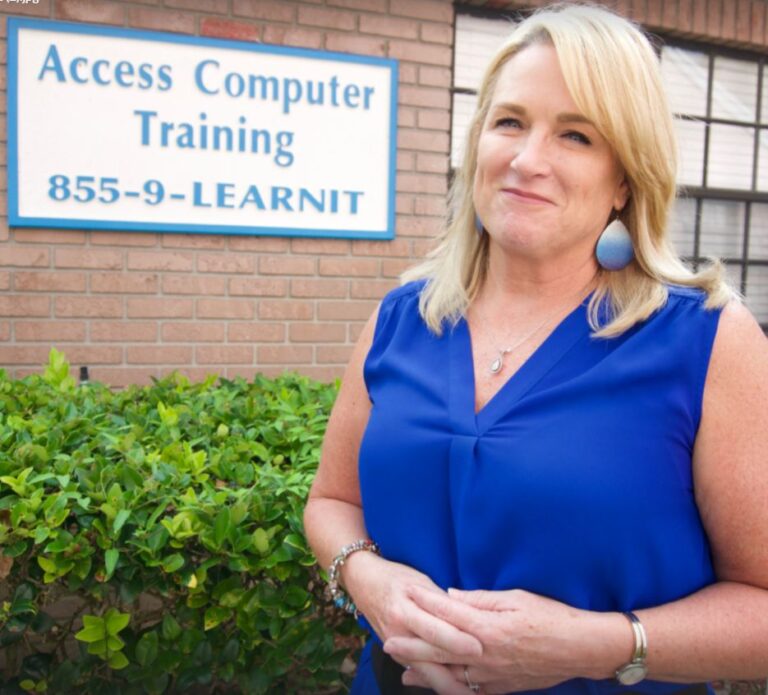
“We’ll go halfway with you.”
Kristin Pelletier, founder
You bring the effort. We bring the plan, help with funding and a coach in your corner. It starts with a 15-minute strategy call: we match you to a program, find your start date and check the funding available for those who qualify.
1 Graduates are students who completed an ACT program since 2014, from ACT’s records. Google rating as of November 2026.
CompTIA, CompTIA A+, CompTIA Network+, CompTIA Security+, CompTIA Cloud+, CompTIA CySA+ and CompTIA PenTest+ are registered trademarks of CompTIA, Inc. Microsoft, Azure, Microsoft 365, Microsoft Teams, Excel, Word, PowerPoint, Outlook, Copilot and Microsoft Office Specialist are trademarks of the Microsoft group of companies. EC-Council is a registered trademark of EC-Council International Limited. PMI, PMP and CAPM are registered marks of the Project Management Institute, Inc. Scrum.org, Professional Scrum Master and PSM are trademarks of Scrum.org. ITIL® is a registered trademark of the PeopleCert group. Intuit and QuickBooks are registered trademarks of Intuit Inc. Google is a trademark of Google LLC. ChatGPT is a trademark of OpenAI. All other marks belong to their owners. Naming these certifications does not imply sponsorship or endorsement, and ACT’s QuickBooks training has not been approved by Intuit. Workforce board logos identify boards that list ACT as an eligible training provider; they do not imply endorsement.
